
What Is an Evergreen Timer and How Does It Work?
Evergreen timers create personalized deadlines for every subscriber. Learn how they work, when to use them, and why they're more ethical than you think.
Most people think countdown timers are only for big launch events with a hard end date. But what happens when your funnel runs year-round and every subscriber enters at a different time? That's where evergreen timers come in — and they're one of the most underused tools in an email marketer's arsenal.
What "Evergreen" Actually Means in Marketing
In marketing, "evergreen" means always-on — not tied to a specific calendar date. An evergreen offer is available continuously, and the urgency comes from each subscriber's individual journey through your funnel, not from a shared countdown everyone sees at the same time.
This is different from a fixed-date launch where your whole list receives the same deadline. With evergreen, two subscribers who opt in a week apart will have completely different timers — each one personal to them.
Common evergreen use cases:
- Evergreen webinar bonus windows ("you have 48 hours to claim the replay bonus")
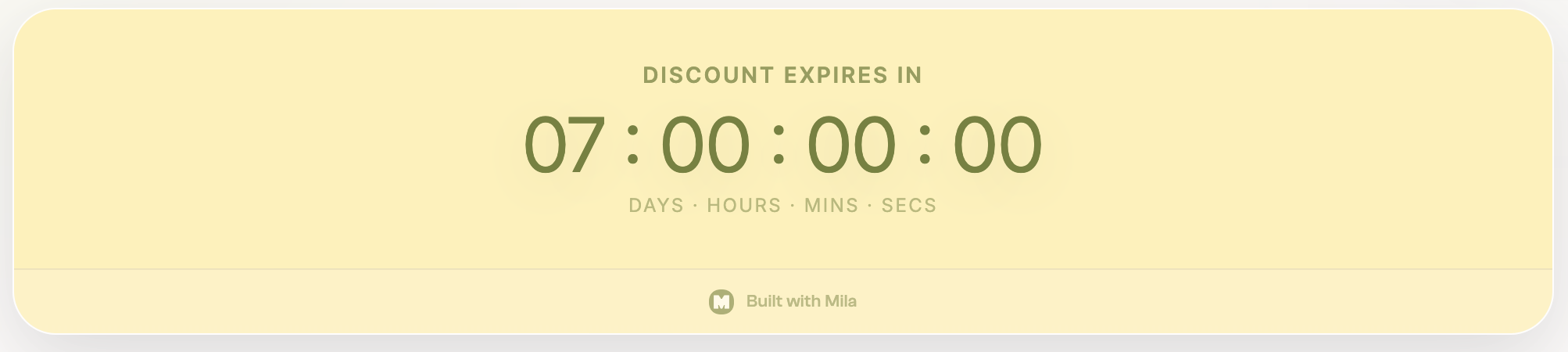
- Welcome sequence discount offers ("your 20% new subscriber discount expires in 72 hours")
- Post-purchase upsell windows ("this one-time offer expires in 24 hours")
How an Evergreen Timer Works Technically
The mechanism behind an evergreen timer is simpler than it sounds:
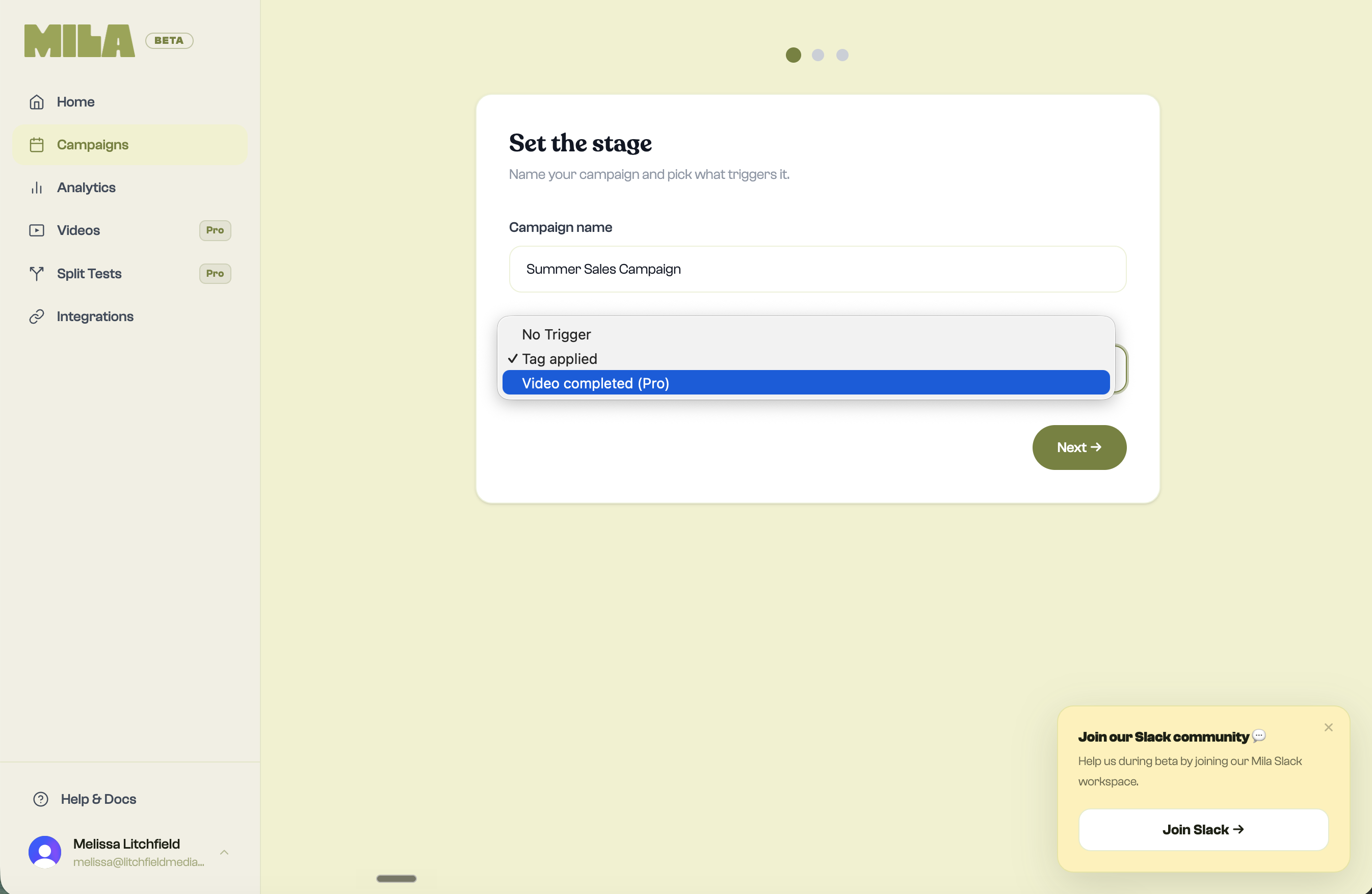
- A subscriber opts in to something (a webinar, a freebie, a sequence) or clicks a specific link in your email
- That action triggers a tag in their email platform (Kit, Flodesk, MailerLite)
- The tag signals your timer tool to start that subscriber's personal countdown
- From that moment, the clock is ticking — uniquely for them, not for your entire list
The key detail: the timer is tied to their email address, not their device or IP address. So whether they check it on their phone Monday morning or their laptop Tuesday afternoon, they see the same countdown — their personal one.
Watch: Set Up a Tag-Triggered Evergreen Timer in Mila
Follow this walkthrough to connect your email platform, choose the tag that starts a subscriber's countdown, and set up their personal evergreen deadline.
Watch the evergreen timer tutorial on YouTube.
The Most Common Use Cases
Evergreen webinar funnels are the most popular home for evergreen timers. Someone registers for your automated webinar, watches it, and the replay page shows a countdown timer: "Your bonus expires in 48 hours." That urgency is real, because it started when they registered — not when your last email went out.
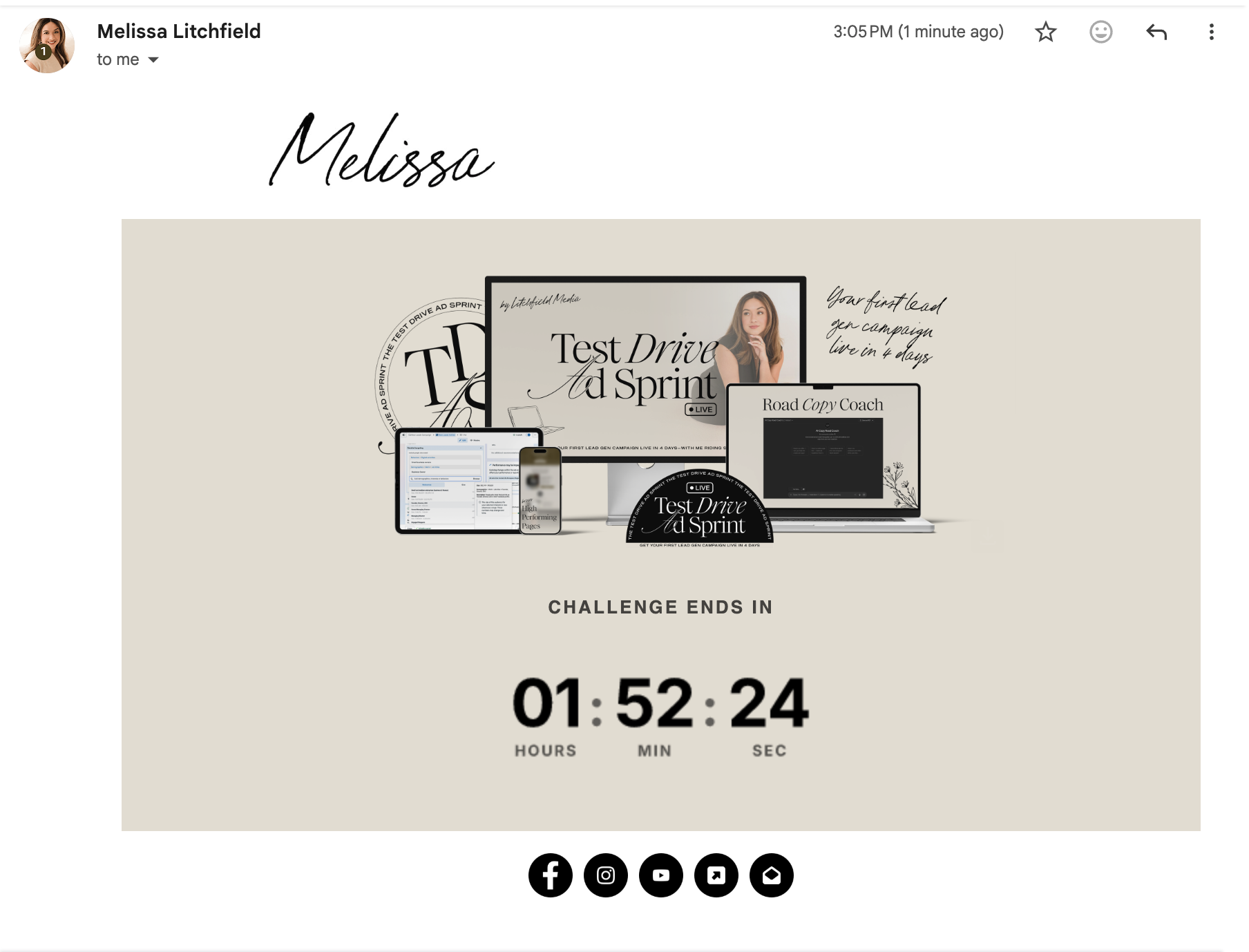
Welcome sequence offers work similarly. A new subscriber joins your list and your welcome sequence includes a discount that's genuinely available for their first 72 hours. The timer in the email shows them exactly how much time is left — their time, not a fake shared deadline.
Post-purchase upsells are another strong use case. Someone buys your product, and immediately on the thank-you page or in the post-purchase email, a timer appears: "Add [upsell product] at 40% off — this offer expires in 24 hours." Because it starts at purchase, it's always accurate and always real.
Why Evergreen Timers Are Ethical
The word "timer" makes some marketers nervous, and fairly so — there are a lot of bad actors using fake countdowns that reset every time you reload the page. Those aren't evergreen timers. Those are just lies with a graphic.
An evergreen timer is ethical when:
- The deadline is real and you honor it when it expires
- The offer genuinely disappears (or the price genuinely goes up) when the clock hits zero
- The timer is tied to the individual's actual journey, not manufactured to create false urgency
If you set a 72-hour window, you remove the offer at the 72-hour mark — no exceptions. That discipline is what makes the timer work, because your subscribers learn that when you say the deadline is real, it is.
What a Live Evergreen Timer Looks Like in Email
What You Need to Get Started
Three things:
An email platform that supports tagging — Kit (ConvertKit), Flodesk, and MailerLite all support tag-based automations. This is the trigger that starts the timer.
A timer tool that reads those tags — Mila connects directly to your email platform. When the tag fires, Mila starts the subscriber's personal countdown.
A clear offer with a real deadline baked in — The timer amplifies the offer. If the offer is weak, the timer won't save it. But if the offer is strong and the deadline is honored, the timer gives subscribers the push they need to act now instead of "later."
Ready to build your first evergreen timer? Try Mila free — setup takes under 10 minutes and your first campaign is free.
Ready to try Mila?
Create your first branded countdown timer in under 10 minutes. Free to start.
START FOR FREE