
What Is a Page Split Test and Why Every Marketer Should Run One
Split testing your pages used to require an expensive all-in-one platform. Not anymore. Here's what split tests are, what to test, and how to read the results.
A split test sends different visitors to different versions of a page so you can measure which one converts better. It sounds simple, and the concept is — but most marketers never run one because the tools to do it either cost too much, require a developer, or are buried inside platforms they don't use.
That's changing. Here's what you actually need to know.
The Core Concept
You have a sales page. You think a different headline might convert better. Or maybe a shorter page. Or a different CTA button.
Without a split test, you're guessing. You could make the change and compare this month's conversion rate to last month's, but there are too many variables (seasonality, list quality, traffic source) to know if the change made the difference.
A split test removes that uncertainty. You show 50% of your traffic version A and 50% version B — at the same time, to the same audience. After enough traffic, you can see which version converts better. That's a conclusion you can act on.
What's Worth Testing
Not everything is worth testing. Some variables won't move the needle. Focus on elements that materially affect whether someone decides to buy:
Headlines. The first thing someone reads on a sales page does more work than anything else. A headline that speaks directly to the problem beats one that's clever but vague.
Page length. Long-form pages work for complex offers. Short pages work for simple, familiar offers. If you don't know which you're selling, test it.
CTA language. "Enroll now" vs "Get instant access" vs "Join the waitlist" — these aren't the same thing. CTA language frames the commitment.
Social proof placement. Testimonials near the top can build initial credibility. Testimonials near the CTA can be the push that closes the decision. Where they live changes what they do.
Offer framing. The same offer can be presented as a price or as a value. "Get the course for $497" vs "Get $2,000 worth of training for $497" communicates the same thing differently.
How to Read the Results
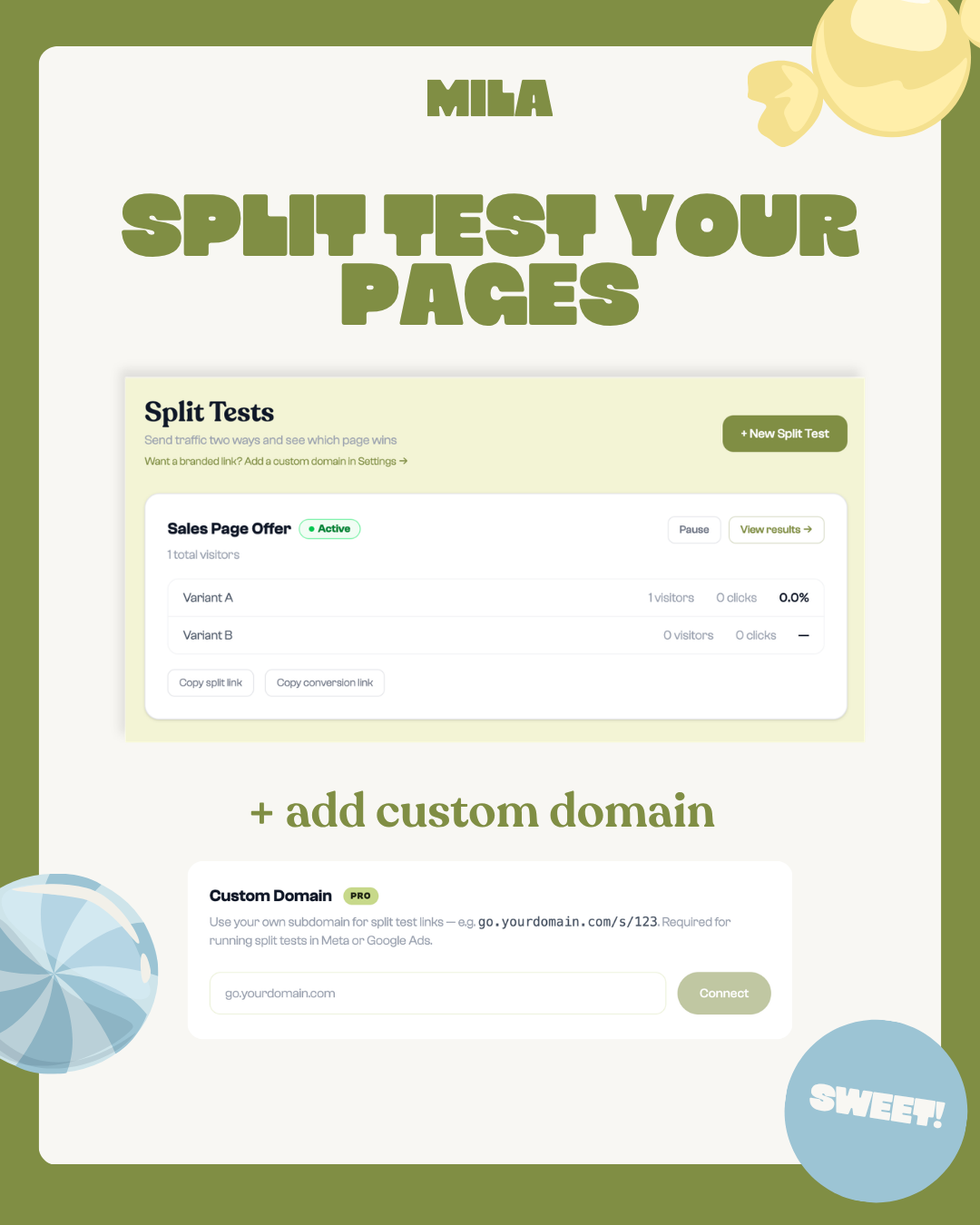
After running your test, you'll have two numbers: a conversion rate for each variant. But before you declare a winner, consider whether the test ran long enough.
A small early lead can disappear as more visitors arrive. There is no single visitor count that makes every test reliable. Look for:
- Enough traffic and goal actions to judge a pattern rather than a few isolated clicks
- A meaningful difference between the two rates, considered alongside the sample size
- Similar traffic sources for both variants — if variant A got mostly email traffic and variant B got paid traffic, the results don't compare cleanly
When you have enough data and a clear winner, update your page to the winning variant. Then if you want to keep improving, run another test on the next element.
Split Tests Alongside Timers
One underused combination: a countdown timer running during a split test. You can test whether page A or page B converts better when urgency is introduced — not just at baseline.
This reveals something useful: it's not uncommon for a page that underperforms at baseline to outperform when urgency is added, because its structure is better at capturing people in a decisive moment.
What You Don't Need
Mila Pro includes a traffic splitter that handles page routing and tracks views and goal clicks. You set the split percentage, point each path to a different URL, and watch the data come in. Goal clicks are an engagement signal; confirm completed purchases or signups in the platform that records them.
The setup takes minutes. The data takes a few weeks to accumulate. The insight can pay off in every launch after.
Ready to run your first split test? Explore page split testing on Mila Pro →
Ready to try Mila?
Create your first branded countdown timer in under 10 minutes. Free to start.
START FOR FREE