
Why Tag-Based Timers Beat IP Address Tracking
IP-based timers can silently fail across devices. Here's why tag-triggered countdown timers are more accurate, more ethical, and better for conversions.
There are two ways timer software tracks subscribers: by their IP address or by a tag in their email platform. Most people don't know there's a difference. But it's one of the biggest factors in whether your timer is actually working or silently failing.
How IP-Based Tracking Works — And Where It Breaks
IP-based timers assign a countdown to a device's IP address. When a subscriber opens your email and clicks through to your sales page, the timer records their IP and starts counting down. The next time they visit, the timer picks up where it left off — as long as they're on the same device, same network.
That's the problem. Here's where it falls apart:
- Multiple devices: Your subscriber reads email on their phone but visits your sales page on their laptop. Different IP addresses. Two separate timers. They might see a full countdown on the laptop even though their phone timer expired yesterday.
- VPNs: Anyone using a VPN (increasingly common) may appear as a different IP address each session. Timer resets.
- Shared networks: Office WiFi, coffee shops, and shared home networks can assign different IPs to the same person at different times.
- Cookie clearing: Many IP-based systems also use cookies. Clearing cookies can reset the timer entirely.
The result: a subscriber can game the system — intentionally or not — and see a "new" countdown every time they come back. This trains them to not take your deadlines seriously.
How Tag-Based Tracking Works
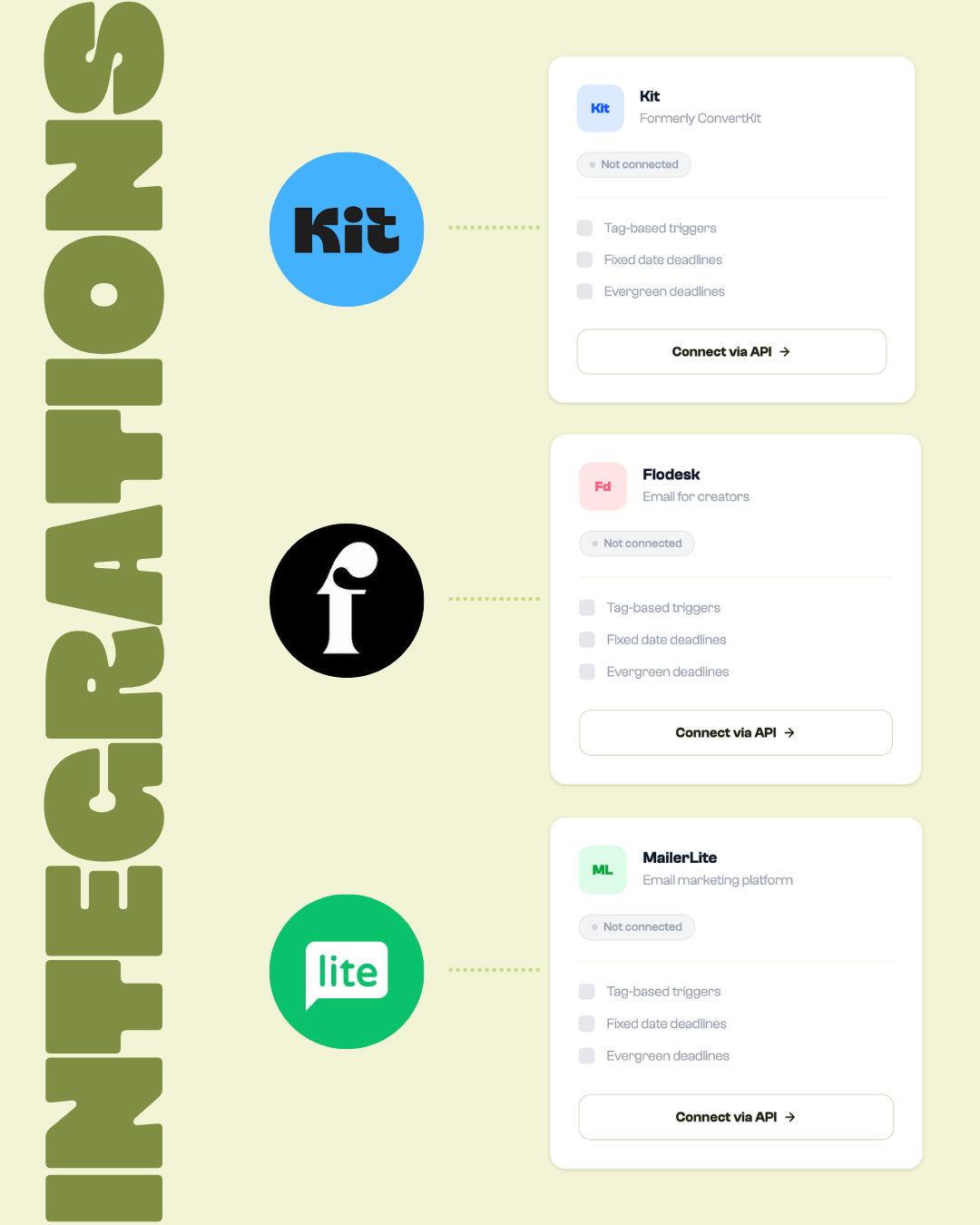
Tag-based timers work completely differently. Instead of tracking a device, they track a person — via their email address.
Here's the flow:
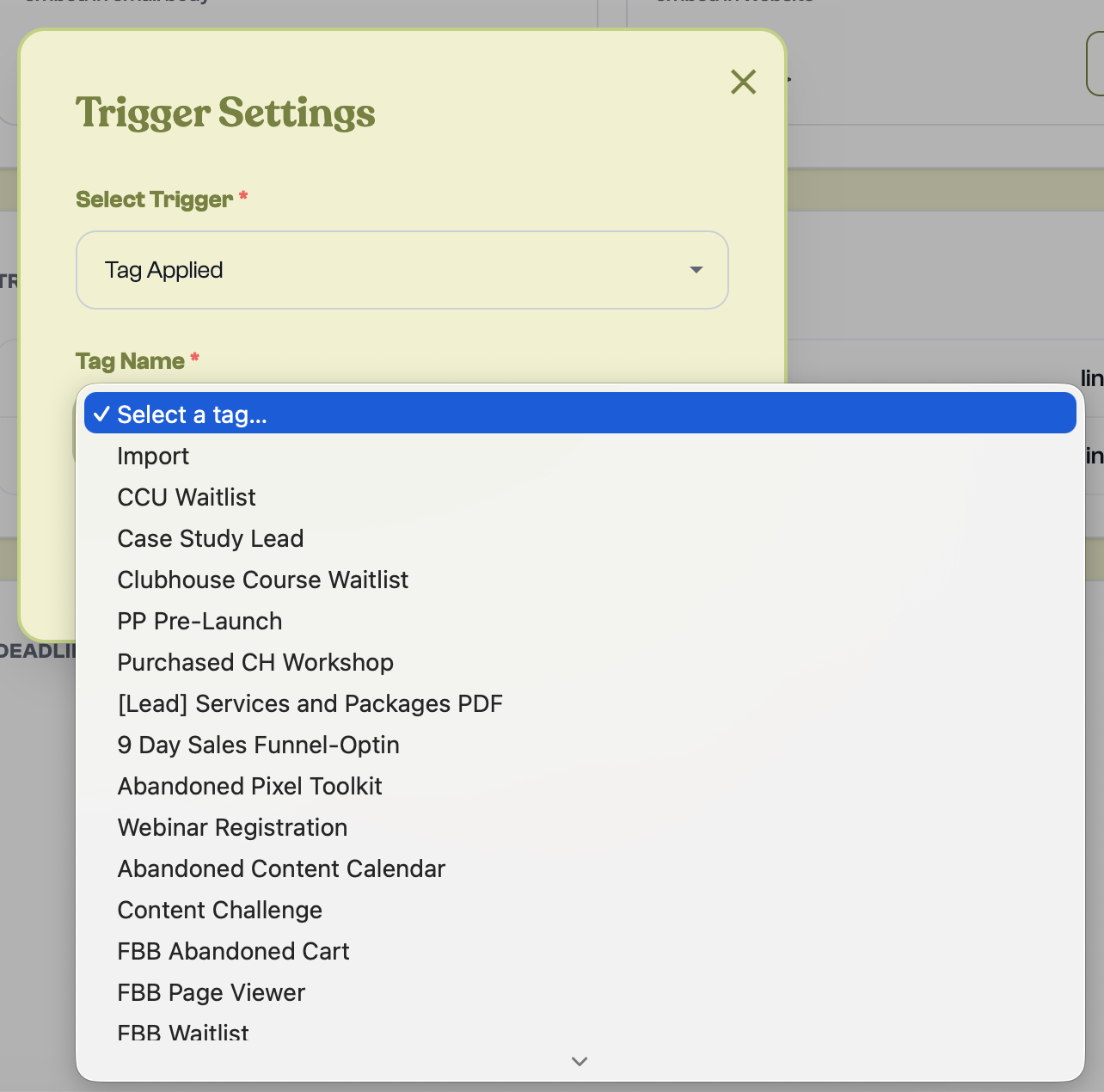
- A subscriber opts in, clicks a specific link, or completes a step in your sequence
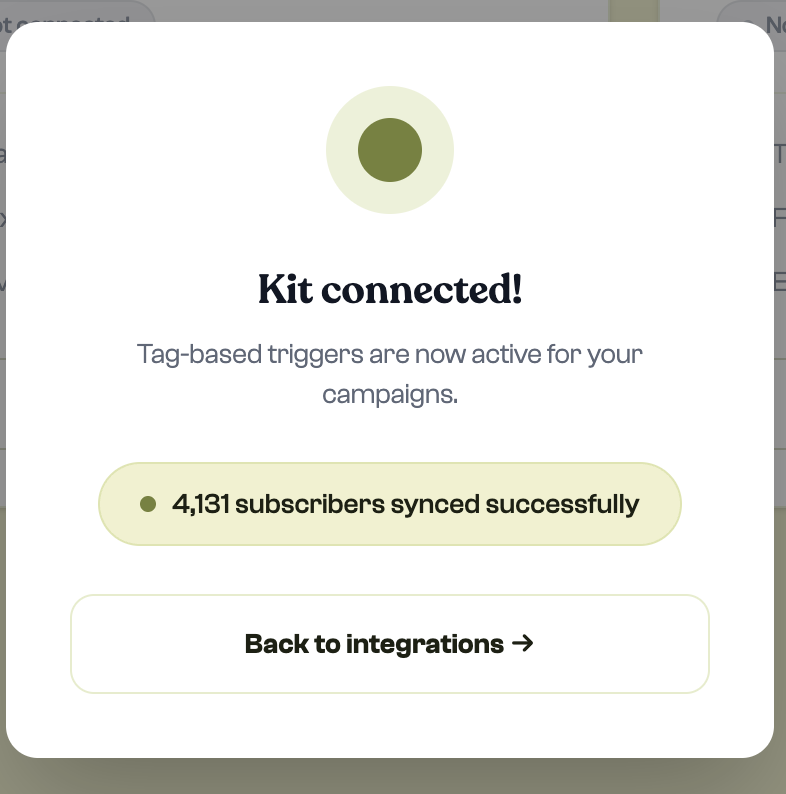
- Their email platform (Kit, Flodesk, MailerLite, Drip) applies a tag to their contact record
- Mila receives that tag and starts their personal countdown, tied to their email address
- Every time they see the timer — on any device, any browser, any network — they see the same countdown
One person. One timer. Always accurate.
The Subscriber View: Consistent on Every Device

Why This Matters for Your Conversions
Urgency only works when it's believed. If a subscriber sees a different countdown on their phone versus their laptop, they learn quickly that your timer isn't real. Once that trust is gone, the timer becomes visual noise — something they scroll past on every email.
Tag-based timers protect that trust because the deadline is genuinely personal and consistent. It doesn't matter if they check on five different devices — the countdown is always the same, because it's tracking them, not their hardware.
Which Email Platforms Support Tag-Based Triggers

Most modern email platforms support tagging:
- Kit (ConvertKit): Native tagging with powerful automation rules. One of the best integrations with Mila.
- Flodesk: Segment-based triggers (subscribers added to a segment trigger the timer)
- MailerLite: Group and automation-based triggers
- Drip: Tag-based automations — applying a tag fires the timer automatically
When IP-Based Is "Good Enough"
To be fair, IP-based tracking isn't always a disaster. It can work fine when:
- Your audience is primarily desktop-only and rarely switches devices
- You're running a very short timer (under 12 hours) where device switching is less likely
- You're using the timer on a landing page rather than in email
But for any ongoing evergreen campaign where accuracy and trust matter, tag-based is the only defensible choice.
Mila triggers timers by tag, not IP — so your subscribers always see their real, personal deadline. Start your first campaign free →
Ready to try Mila?
Create your first branded countdown timer in under 10 minutes. Free to start.
START FOR FREE